Where to sign in
This page is a login guide. It does not sign you in to a game account. If you already hold an account, use the sign-in screen within the app or the account portal identified by that service’s provider.
Before entering any details, check the exact app or website you opened. A matching display name, logo or search advertisement alone does not establish that it is the service that holds your account.
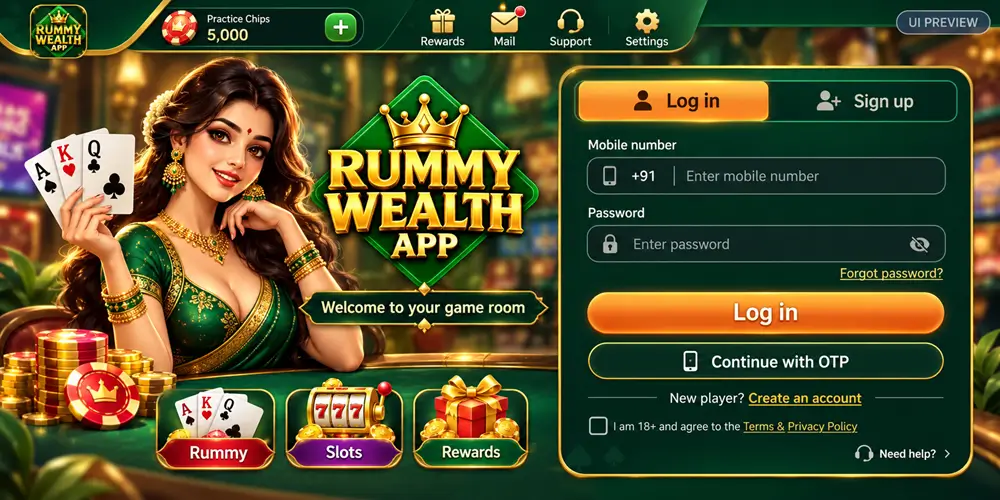
When an OTP does not arrive
- Check the country code and the last few digits of the mobile number shown on screen.
- Confirm that the SIM can receive ordinary text messages and that the phone has a signal.
- Allow the on-screen resend countdown to finish. Requesting codes repeatedly can invalidate earlier codes or trigger a limit.
- Enter only the newest code in the original sign-in screen. Do not send it to someone offering to help.
- If the problem continues, report the displayed error and approximate time to the account provider.
Moving to a new phone
Keep access to your registered number while changing devices. If you no longer control that number, use the account provider’s recovery process before making more login attempts.
Do not create additional accounts to work around an access restriction. Duplicate accounts can complicate identity checks and make it harder to trace an existing balance or request.
A locked or restricted account
A restriction needs a reason from the provider; this website cannot remove it. Save the exact message, the date it appeared and any existing support reference. Ask what action is required and which account policy applies.
Never pay an individual to “unlock” an account or install a remote-access app at their request. Do not disclose passwords, OTPs, PINs or backup codes.
Prepare a useful support request
Describe what happened, which device you used and what you tried. Share only the account identifier requested through the provider’s authenticated support channel. Redact phone numbers, balances and identity details from screenshots when they are unnecessary.
For an error on this website, use our contact page. For a game account decision, contact the service that maintains that account.